Physical Address
304 North Cardinal St.
Dorchester Center, MA 02124
Physical Address
304 North Cardinal St.
Dorchester Center, MA 02124

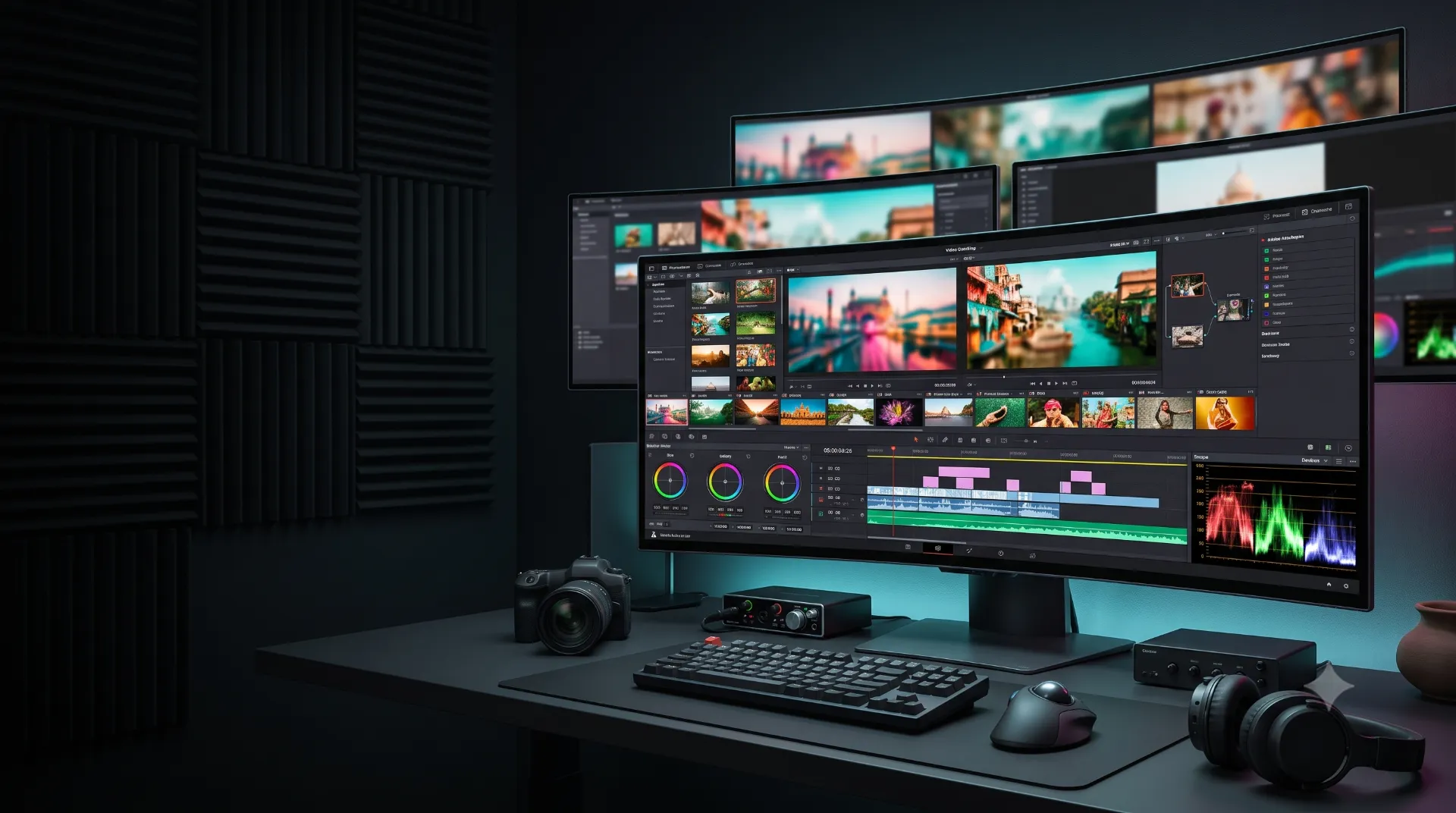
Top 5 OLED ultrawide monitors for Indian content creators in 2026, ranked for video editing, photo work, color, multitasking, and real-world value.
Creating content in 2026 is no longer just about having a powerful PC. Your monitor can directly affect your editing speed, color decisions, and daily workflow.
A 34-inch OLED ultrawide gives you a massive 21:9 workspace. You can keep your Premiere Pro timeline open, preview footage, and still monitor your browser or project notes. OLED also brings deep blacks and extremely fast pixel response. That makes HDR footage and dark cinematic scenes look dramatically better than a typical IPS display.
But here is the problem.
Most “best OLED monitor” lists are written for gamers. They blindly chase 240Hz and 360Hz refresh rates. Content creators need more. Color gamut, text clarity, HDR performance, connectivity, warranty, and burn-in protection matter far more.
So, I evaluated the best OLED ultrawide monitors for Indian content creators with a creator-first mindset.
After comparing the latest 34-inch models available or relevant to Indian buyers, MSI MPG 341CQPX is my top overall pick. However, Dell, LG, Samsung, and MSI each have a strong reason to be on this list.
| Rank | Monitor | Best For | Our Verdict |
|---|---|---|---|
| 🥇 1 | MSI MPG 341CQPX QD-OLED | Best overall | The smartest creator purchase |
| 🥈 2 | Dell Alienware AW3425DW | Color + premium ownership | Best for visual creators |
| 🥉 3 | LG UltraGear 34GS95QE | Video editing | Best for cinematic editing |
| 4 | Samsung Odyssey OLED G8 | MacBook and laptop users | Best lifestyle creator monitor |
| 5 | MSI MAG 341CQP | Value | Best OLED deal for creators |
My honest recommendation: Buy the MSI MPG 341CQPX if you want one monitor for video editing, photo work, multitasking, and gaming.
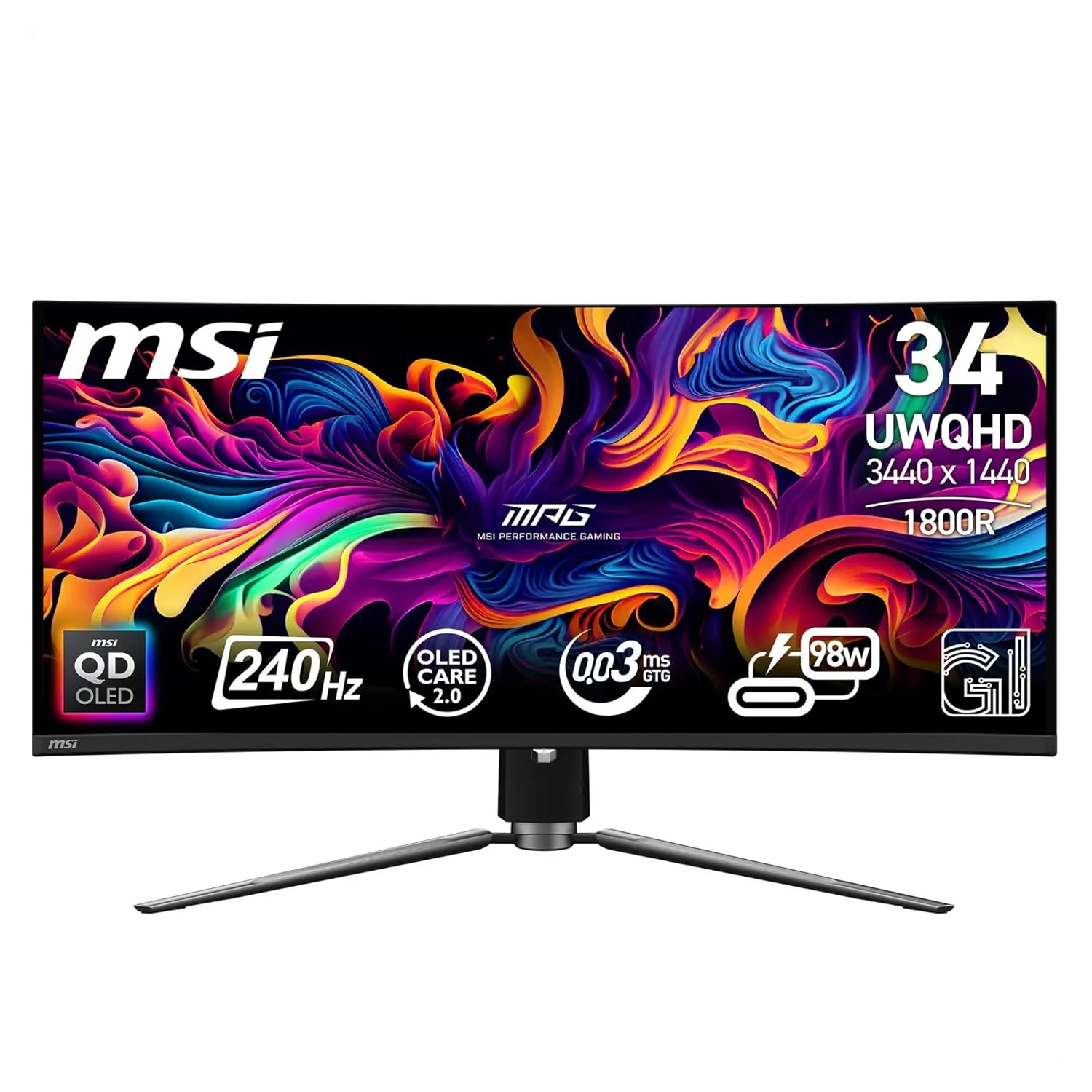
Best OLED ultrawide monitor for Indian content creators overall
The MSI MPG 341CQPX is the monitor I would buy for most Indian creators in 2026.
MSI has done something very important here. It combines a 34-inch 3440 × 1440 QD-OLED panel with 99.3% DCI-P3 coverage, 10-bit colour, and a 240Hz refresh rate. The refresh rate is overkill for editing, but the panel quality is absolutely relevant to creators.
The biggest advantage is colour confidence.
For YouTube creators, Instagram video editors, and freelance designers, the wide DCI-P3 coverage is useful for working with modern video content. MSI also lists a factory colour target of Delta E ≤2, which is a strong specification at this price point.
The ultrawide layout is excellent for Premiere Pro, DaVinci Resolve, and After Effects timelines. You get more horizontal room without the bezel gap of a dual-monitor setup.
The KVM switch is another underrated feature. You can switch between a desktop and laptop using the same monitor, keyboard, and mouse. That is extremely useful for creators who edit on a PC but manage content from a laptop.
The 3440 × 1440 resolution is not as sharp as a 4K 32-inch monitor. Text and fine UI elements are good, but not class-leading.
Also, QD-OLED still requires sensible OLED care. Do not leave a static editing interface at maximum brightness for endless hours without using the monitor’s protection features.
Buy the MSI MPG 341CQPX if you want the best balance of colour, ultrawide productivity, price, and future-proof performance.
Choicely Rating: 9.5/10
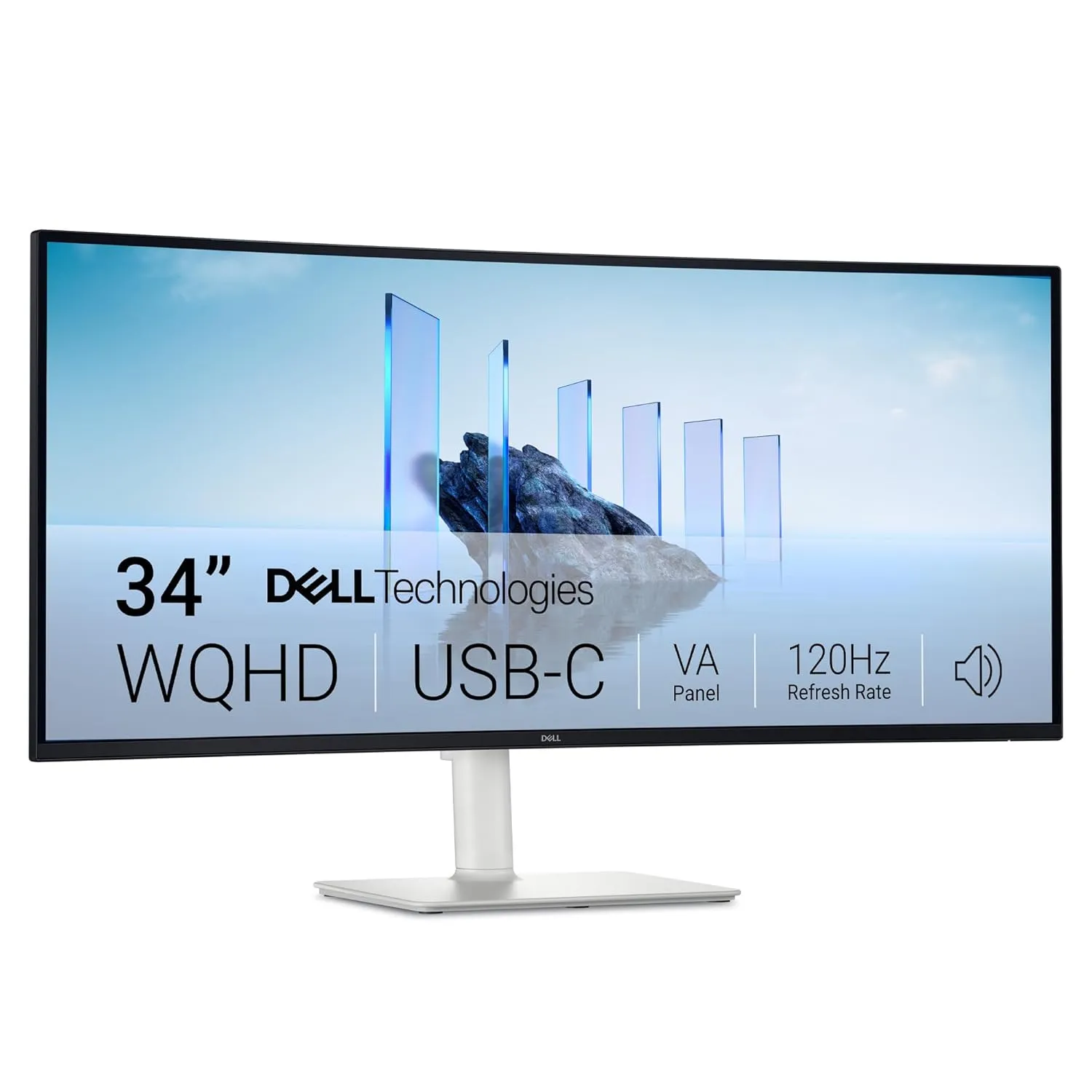
Best OLED ultrawide monitor for Indian content creators who prioritise colour and ownership experience
The Alienware AW3425DW is the premium creator’s choice.
Dell lists 99.3% DCI-P3 coverage, 3440 × 1440 resolution, 240Hz refresh, and 0.03ms response time. More importantly for Indian buyers, Dell offers a 3-year limited warranty and Advanced Exchange Service on the Indian product page.
Alienware’s biggest strength is the visual experience.
QD-OLED delivers the kind of black levels that make dark footage look genuinely cinematic. If you edit travel films, wedding videos, music videos, or cinematic YouTube content, the difference is easy to appreciate.
The wide 34-inch panel is also ideal for creators who dislike a two-monitor setup.
I particularly like the 110 PPI pixel density here. It is a sensible middle ground for a 34-inch 3440 × 1440 monitor. The screen does not feel excessively soft for normal editing work.
The AW3425DW is not the connectivity champion.
You do not get the same creator-friendly USB-C experience as a proper professional monitor. The USB-C port is primarily a downstream connection with 15W charging, not a single-cable laptop dock.
Choose the Alienware AW3425DW if your priority is gorgeous OLED image quality backed by a strong premium ownership experience.
Choicely Rating: 9.3/10
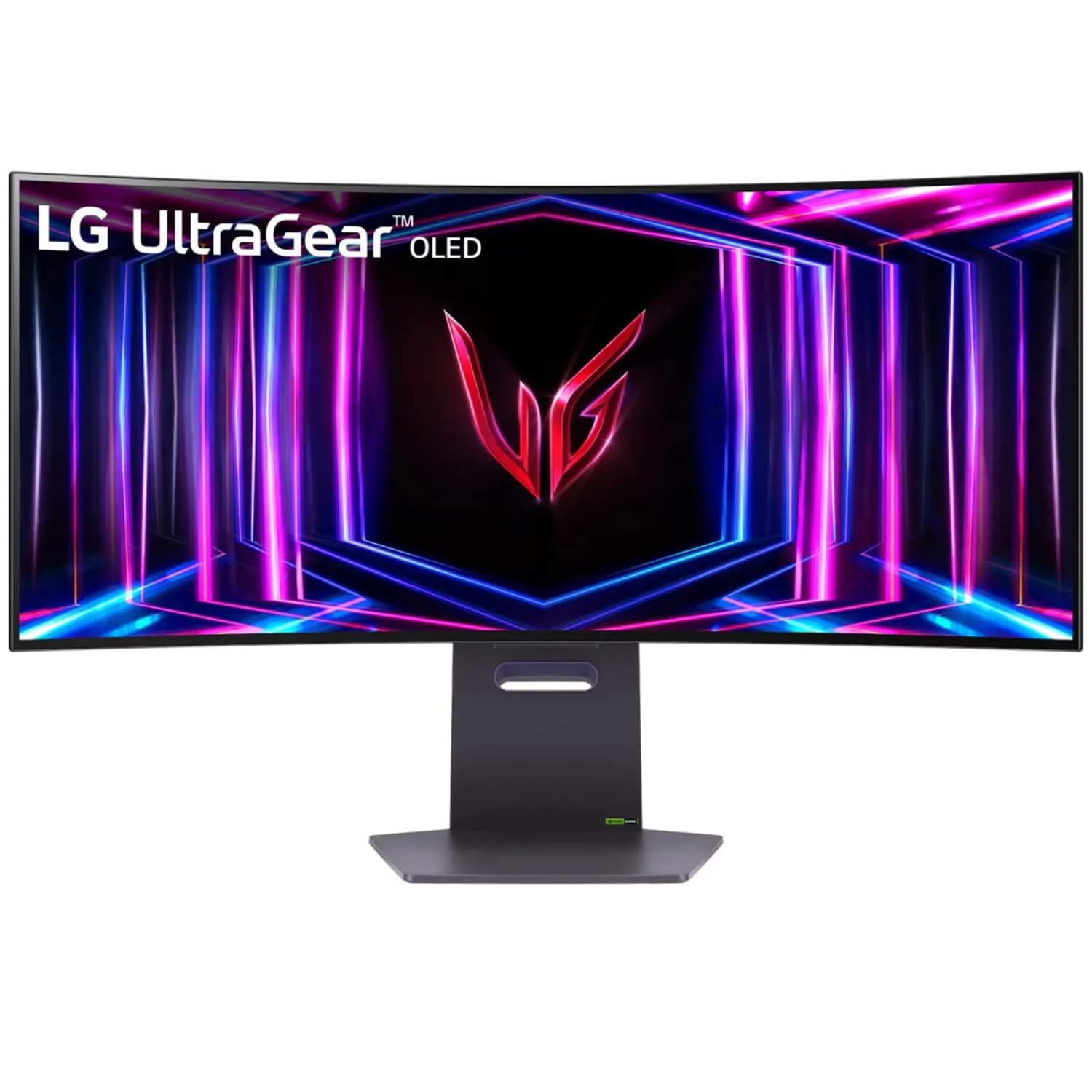
Best OLED ultrawide monitor for video editing in 2026
The LG 34GS95QE is built around a simple idea: make the content fill your vision.
Its 800R curve is much more aggressive than the 1800R curves used by MSI and Alienware. That sounds extreme on paper. In actual editing, it creates a very immersive workspace.
LG specifies 3440 × 1440 resolution, 240Hz refresh, 0.03ms response time, and up to 98.5% DCI-P3 coverage.
The 21:9 timeline experience is fantastic.
You can see more of your timeline without constantly zooming in and out. That matters when you are cutting long-form videos, podcasts, interviews, or multi-camera footage.
The OLED panel also gives you excellent contrast for dark scenes. The difference is especially noticeable when you are comparing shadows and highlights in HDR footage.
For a creator who also games after work, the 240Hz panel is a serious bonus.
The 800R curve is not for everyone.
If you do a lot of straight-line graphic design, CAD work, or traditional layout design, the aggressive curve may take some adjustment.
The ₹1 lakh-plus price also makes the LG difficult to recommend purely on value.
Buy the LG 34GS95QE if video editing is your main priority and you specifically want a deeply immersive curved OLED workspace.
Choicely Rating: 9.1/10
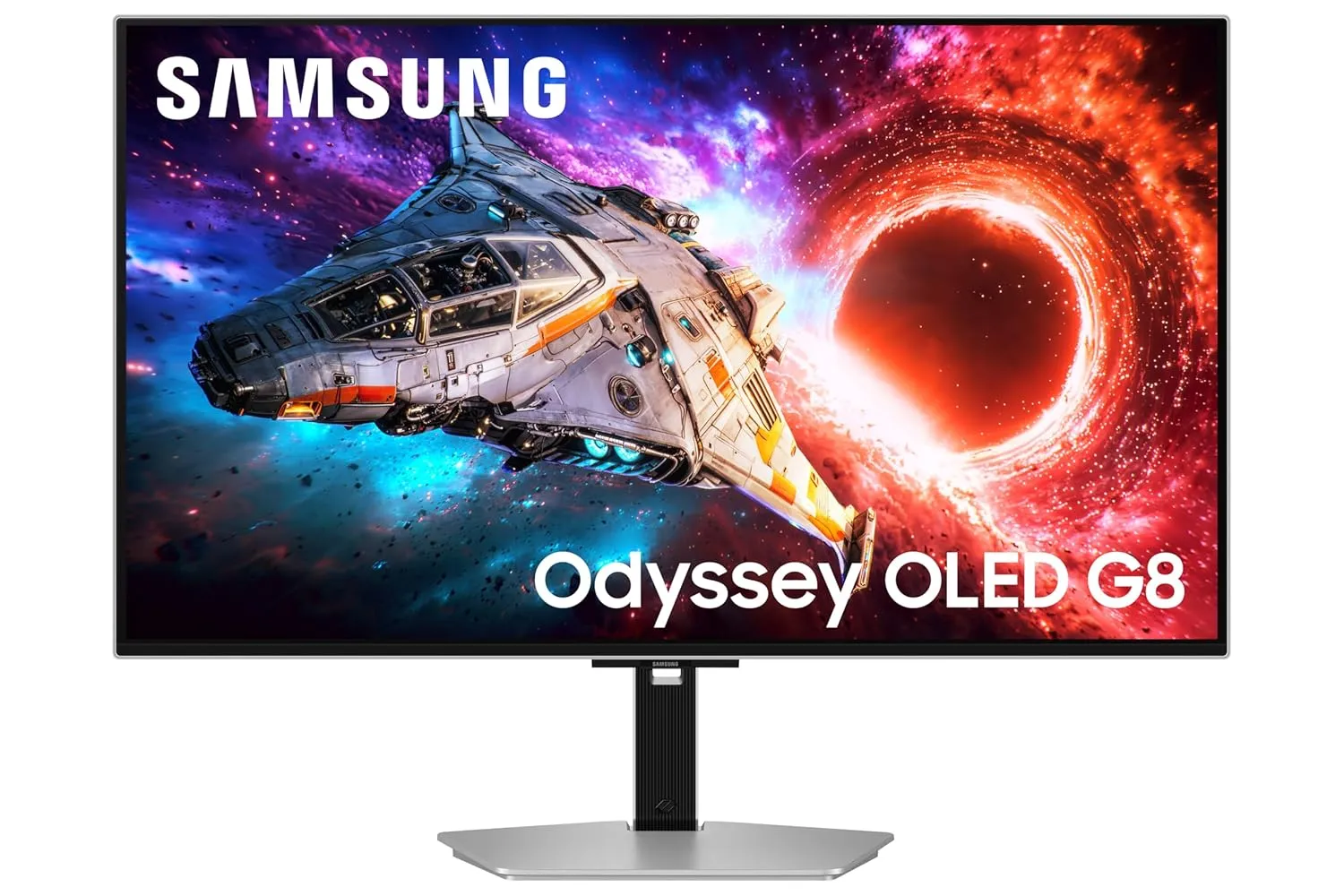
Best OLED ultrawide monitor for creators who use a laptop or MacBook
The Samsung Odyssey OLED G8 is the most lifestyle-friendly monitor on this list.
It is not the newest or fastest monitor here. That is exactly why many creators may still prefer it.
The G8 combines a 34-inch 3440 × 1440 OLED panel with a 175Hz refresh rate. Indian price tracking showed it around ₹80,987, making it significantly more accessible than many premium OLED options.
Samsung’s big advantage is simplicity.
The monitor works well as a premium desktop display, entertainment screen, and laptop companion. It is particularly attractive for creators who move between MacBook, Windows laptop, and desktop workflows.
The OLED panel provides the deep contrast you expect. The 175Hz refresh rate also makes scrolling, timeline navigation, and general desktop movement feel exceptionally smooth.
The G8 is an older design compared with the latest 2026 OLED generation.
You are buying it for overall experience and price, not the newest panel technology.
Choose the Samsung OLED G8 if you want a beautiful ultrawide OLED monitor that fits naturally into a laptop-first creator setup.
Choicely Rating: 8.8/10
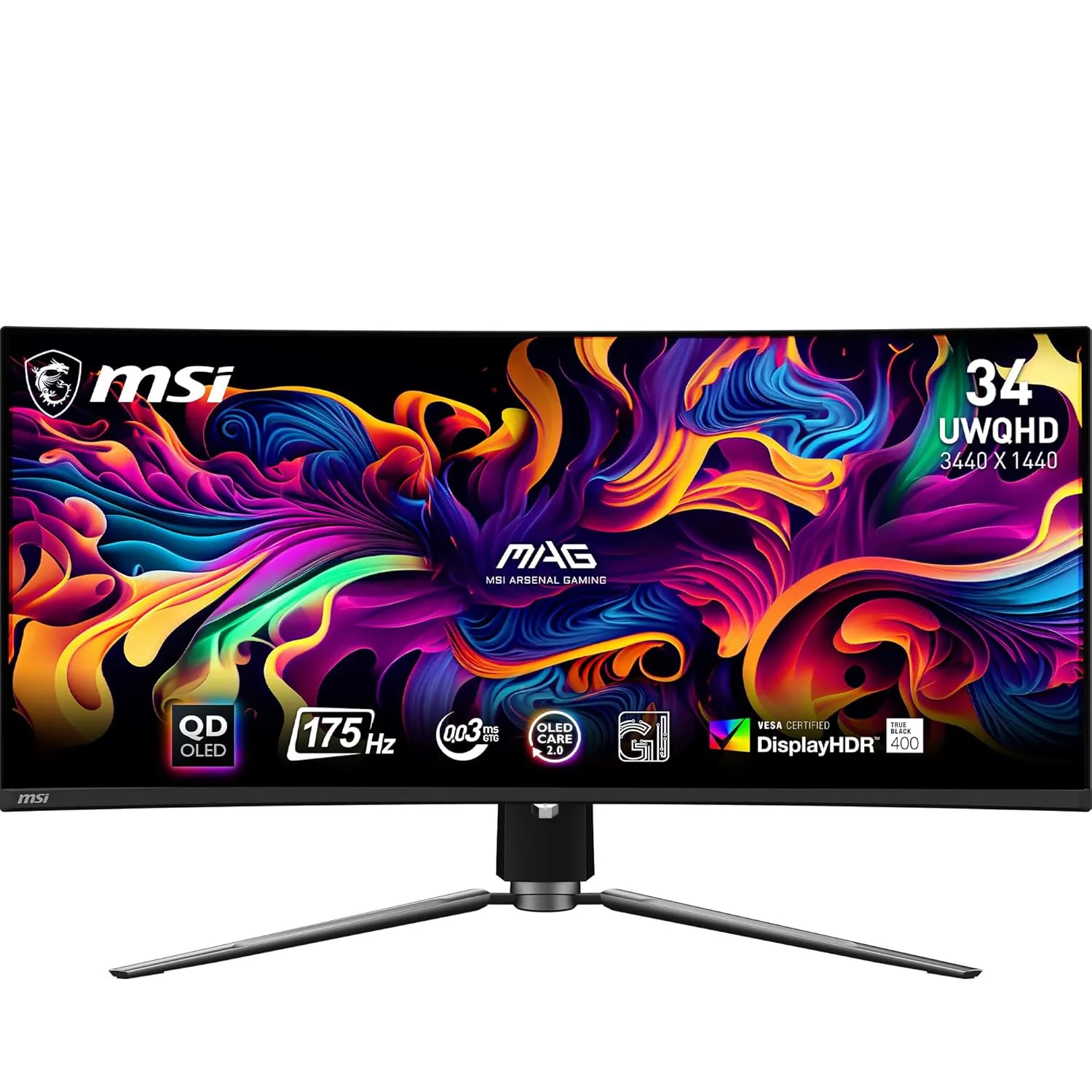
Best value OLED ultrawide monitor for Indian creators
If you want to experience OLED without crossing the ₹1 lakh mark, the MSI MAG 341CQP is the monitor to watch.
MSI lists a 34.18-inch 3440 × 1440 QD-OLED panel, 175Hz refresh rate, 0.03ms response time, up to 1000-nit HDR peak brightness, and 99% DCI-P3 coverage. It also includes OLED Care 2.0 features designed to reduce burn-in risk.
The MAG 341CQP delivers the core OLED experience without paying for every premium feature.
For a YouTube creator editing in Premiere Pro or DaVinci Resolve, the actual image quality is far more important than whether the monitor runs at 175Hz or 240Hz.
This is also a very strong option for Indian buyers who want a premium monitor for both work and gaming.
The MPG 341CQPX is the better long-term purchase if you can stretch your budget.
The MAG model gives up some premium features and speed.
Buy the MSI MAG 341CQP if you want OLED image quality and creator-grade colour at the lowest sensible price.
Choicely Rating: 8.7/10
| Feature | MSI MPG 341CQPX | Alienware AW3425DW | LG 34GS95QE | Samsung OLED G8 | MSI MAG 341CQP |
|---|---|---|---|---|---|
| Panel | QD-OLED | QD-OLED | OLED | OLED | QD-OLED |
| Size | 34.18″ | 34.2″ | 34″ | 34″ | 34.18″ |
| Resolution | 3440 × 1440 | 3440 × 1440 | 3440 × 1440 | 3440 × 1440 | 3440 × 1440 |
| Refresh rate | 240Hz | 240Hz | 240Hz | 175Hz | 175Hz |
| DCI-P3 | 99.3% | 99.3% | Up to 98.5% | — | 99% |
| Best for | Overall creators | Colour lovers | Video editing | Laptop users | Value buyers |
| My pick | 🏆 | 🎨 | 🎬 | 💻 | 💰 |
This is the biggest mistake creators make.
240Hz is not automatically better for editing than 175Hz.
For content creation, colour performance and workflow space matter more. A 175Hz OLED with excellent colour can be a better creator monitor than a 360Hz gaming display.
A 34-inch 3440 × 1440 monitor gives you a practical 21:9 workspace.
It is easier to drive than 4K. This matters if you are using a laptop or a mid-range GPU.
For creators working in Indian conditions, where PC upgrades can be expensive, 3440 × 1440 offers an excellent performance-to-resolution balance.
If you edit YouTube videos, Reels, travel content, or cinematic footage, look for high DCI-P3 coverage.
However, do not confuse a wide gamut with perfect colour accuracy.
Colour gamut tells you how much colour the monitor can display. Calibration tells you how accurately it displays that colour.
That is why MSI’s Delta E ≤2 claim on the MPG 341CQPX is particularly interesting for creators.
I will not pretend otherwise.
OLED monitors can be vulnerable to burn-in from repeated static elements. RTINGS specifically notes the risk when OLED displays show the same static elements for long periods.
The good news is that modern monitors include protection features.
My advice for Indian creators:
If your monitor will display the same Excel sheet or static dashboard for 10 hours every day, buy a professional IPS monitor instead.
A 3440 × 1440 ultrawide is not a lightweight display.
For editing, check:
The ASUS PG34WCDN is a good example of where newer creator-focused OLED design is heading. Its RGB Stripe pixel arrangement is designed to improve text clarity, while USB-C supports 90W Power Delivery.
However, I have not ranked it in this Indian buyer list because availability and import pricing are less practical for most Indian creators.
After comparing the best OLED ultrawide monitors for Indian content creators, my answer is clear.
It gives you the best overall balance of colour, OLED contrast, 34-inch workspace, 240Hz performance, KVM functionality, and price.
If you care most about premium visual quality and Dell’s ownership experience.
If you are primarily a video editor and want the most immersive editing workspace.
If you use a MacBook or laptop as your main content creation machine.
If you want OLED quality without spending ₹1 lakh.
It is the OLED ultrawide monitor I believe gives creators the best real-world upgrade over a traditional IPS setup.
Yes. OLED monitors offer excellent contrast, deep blacks, and fast pixel response. However, colour accuracy and calibration matter more than OLED technology alone.
For many creators, yes. The 21:9 layout gives you more horizontal timeline space without a bezel between two displays.
The MSI MPG 341CQPX is my top overall pick for 2026. It offers an excellent mix of colour, OLED contrast, productivity features, and price.
It can be a concern with long-term static content. Use the monitor’s OLED protection features and avoid leaving static interfaces on-screen for extended periods.
Yes. For most YouTube and social-media creators, 3440 × 1440 is a very practical resolution. A 4K monitor is sharper, but the ultrawide layout provides a major workflow advantage.
For a 34-inch ultrawide, QD-OLED models are excellent for colour volume and HDR impact. However, the specific panel generation and monitor implementation matter more than the OLED label alone.
No. 240Hz is a bonus, not a requirement. Prioritise colour, resolution, connectivity, and panel protection first.
Affiliate Disclosure: Choicely.in may earn a small commission when you purchase through our affiliate links. This does not increase your price. Our recommendations are based on product specifications, creator-focused evaluation, value, and Indian buyer suitability.




[…] this guide, we break down the best custom mechanical keyboards under 10000, explain what key specs actually matter, and show you how to mod them for maximum […]