Physical Address
304 North Cardinal St.
Dorchester Center, MA 02124
Physical Address
304 North Cardinal St.
Dorchester Center, MA 02124

There was a time when getting into custom mechanical keyboards meant importing $200 aluminum kits, waiting six weeks for shipping, soldering tiny switches by hand, and paying hefty customs duties at Indian ports.
That era is officially over.
Today, you can get a hot-swappable, gasket-mounted keyboard loaded with 5-layer sound dampening and factory-lubed switches delivered to your doorstep for well under ₹10,000. Whether you want a deep “thocky” sound profile, ultra-low latency wireless gaming, or full QMK/VIA software remapping, the ₹5,000 to ₹10,000 price bracket in India is overflowing with incredible value.
In this guide, we break down the best custom mechanical keyboards under 10000, explain what key specs actually matter, and show you how to mod them for maximum performance.
| Keyboard | Layout | Mount Type | Connectivity | Focus Feature | Price Range |
| AULA F75 | 75% | Gasket | Tri-Mode (2.4GHz/BT/Wired) | Creamy “Thock” out of the box | ₹5,999 – ₹7,500 |
| Keychron V1 / K2 Pro | 75% | Tray / Gasket | Wired or Tri-Mode | QMK/VIA Support & Mac layout | ₹8,499 – ₹9,999 |
| Royal Kludge R75 | 75% | Gasket | Tri-Mode | Smart LCD Screen / Knob Options | ₹6,500 – ₹7,800 |
| MCHOSE G75 / GX87 | 75% / TKL | Gasket | Tri-Mode | Full Aluminum option / High-Fi Linear | ₹6,099 – ₹8,999 |
| Redragon K686 Pro SE | 98% (Compact) | Gasket | Tri-Mode | Best budget option with Numpad | ₹5,690 – ₹6,489 |
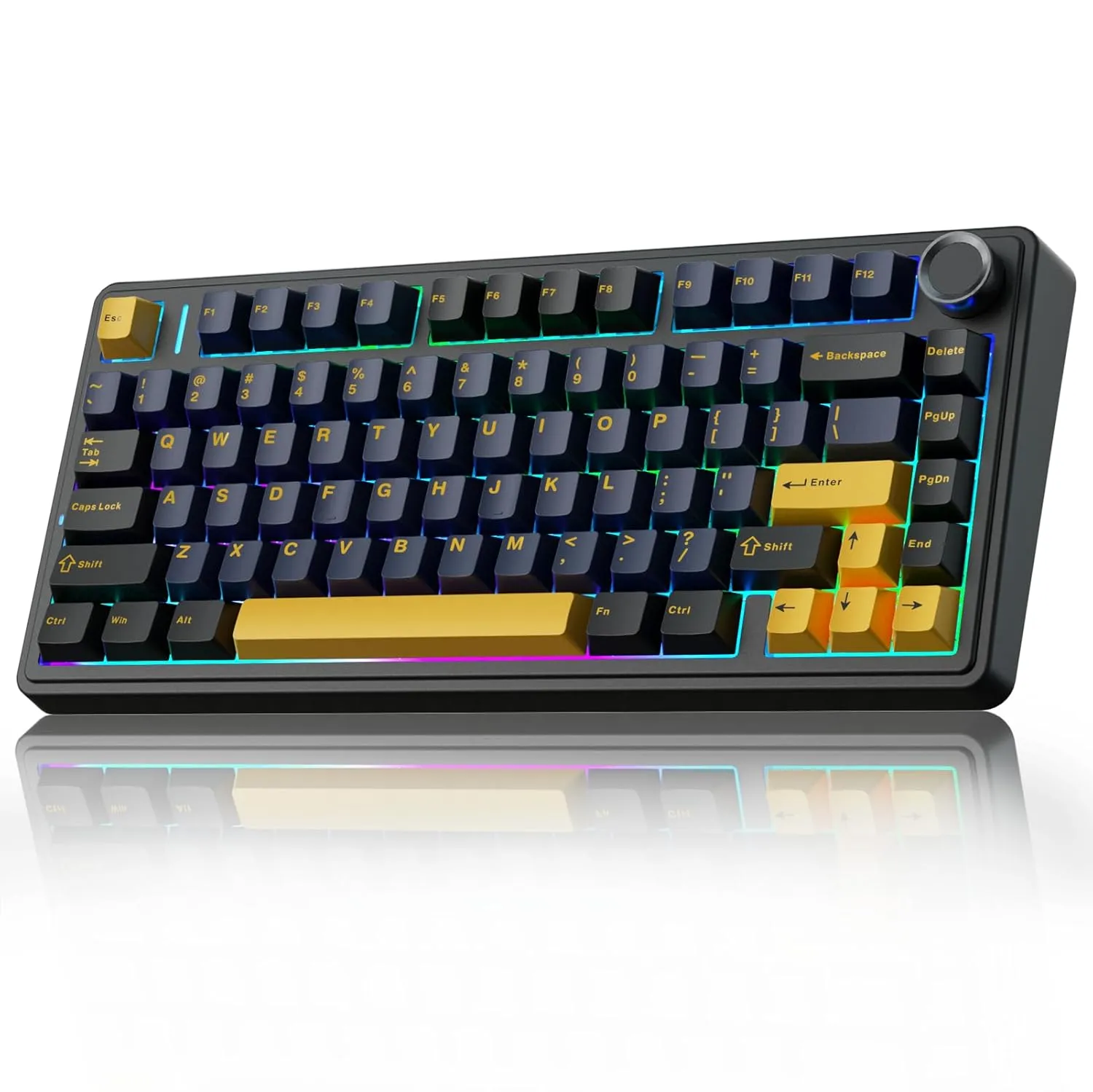
If you have browsed keyboard subreddits or tech videos lately, you’ve likely seen the AULA F75. It has earned a reputation in the Indian enthusiast community because it sounds like a ₹20,000 custom keyboard right out of the box without requiring a single modification.
+-------------------------------------------------------------------+
|  Specs:                                                           |
|  • Layout: 75% Compact (80 Keys + Volume Knob)                    |
|  • Mount: Gasket Mount with 5-Layer Sound Dampening               |
|  • Switches: Leobog Reaper / Gray Wood V3 (Pre-lubed)             |
|  • PCB: Hot-swappable (3-pin and 5-pin support)                   |
|  • Keycaps: Cherry Profile Double-shot PBT                        |
+-------------------------------------------------------------------+
The secret to the AULA F75’s acoustic performance is its 5-layer sound-dampening system, which includes IXPE switch pads, PET acoustic films, and high-density bottom silicone foam. Paired with pre-lubed switches and factory-tuned flex-cut stabilizers, keypresses yield a deep, marbly “thock” with zero metallic ping or rattle.
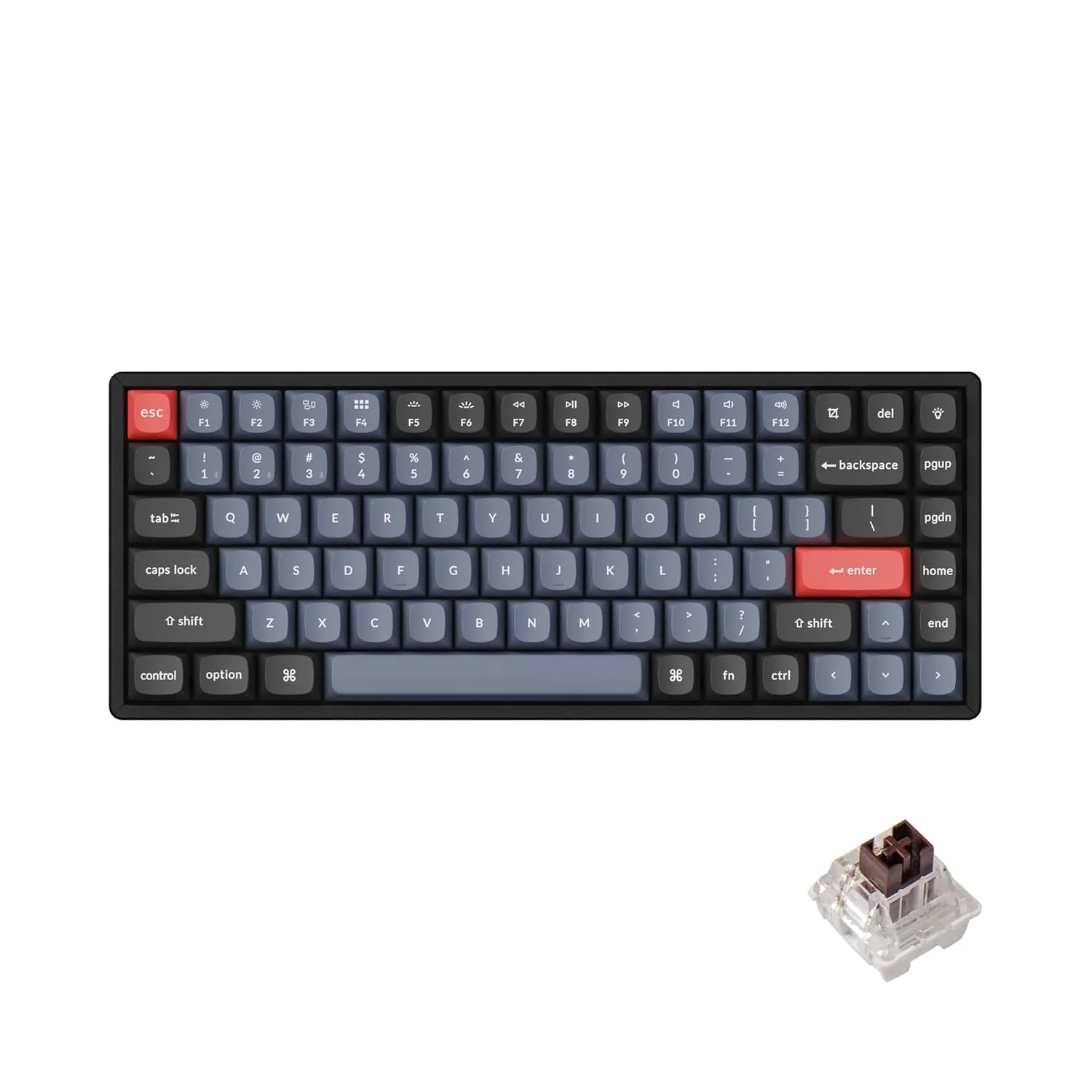
For typists, coders, and productivity power users who want open-source software customization, Keychron remains a go-to standard. Both the wired V1 and the wireless K2 Pro sit under the ₹10,000 cap.
+-------------------------------------------------------------------+
|  Specs:                                                           |
|  • Layout: 75% Ergonomic                                          |
|  • Mount: Tray mount (V1) / Modified Gasket (V1 Max / K2 Pro)     |
|  • Switches: Keychron K Pro Mechanical (Pre-lubed)                |
|  • Software: Fully QMK and VIA Compatible                         |
|  • Keycaps: OSA Profile Double-shot PBT                           |
+-------------------------------------------------------------------+
Keychron boards excel due to their firmware integration. Featuring QMK/VIA support, you can remap any key, create multi-layer macros, or adjust lighting directly in a web browser without installing bloated background drivers. They also feature a hardware toggle switch to swap seamlessly between macOS and Windows key layouts.
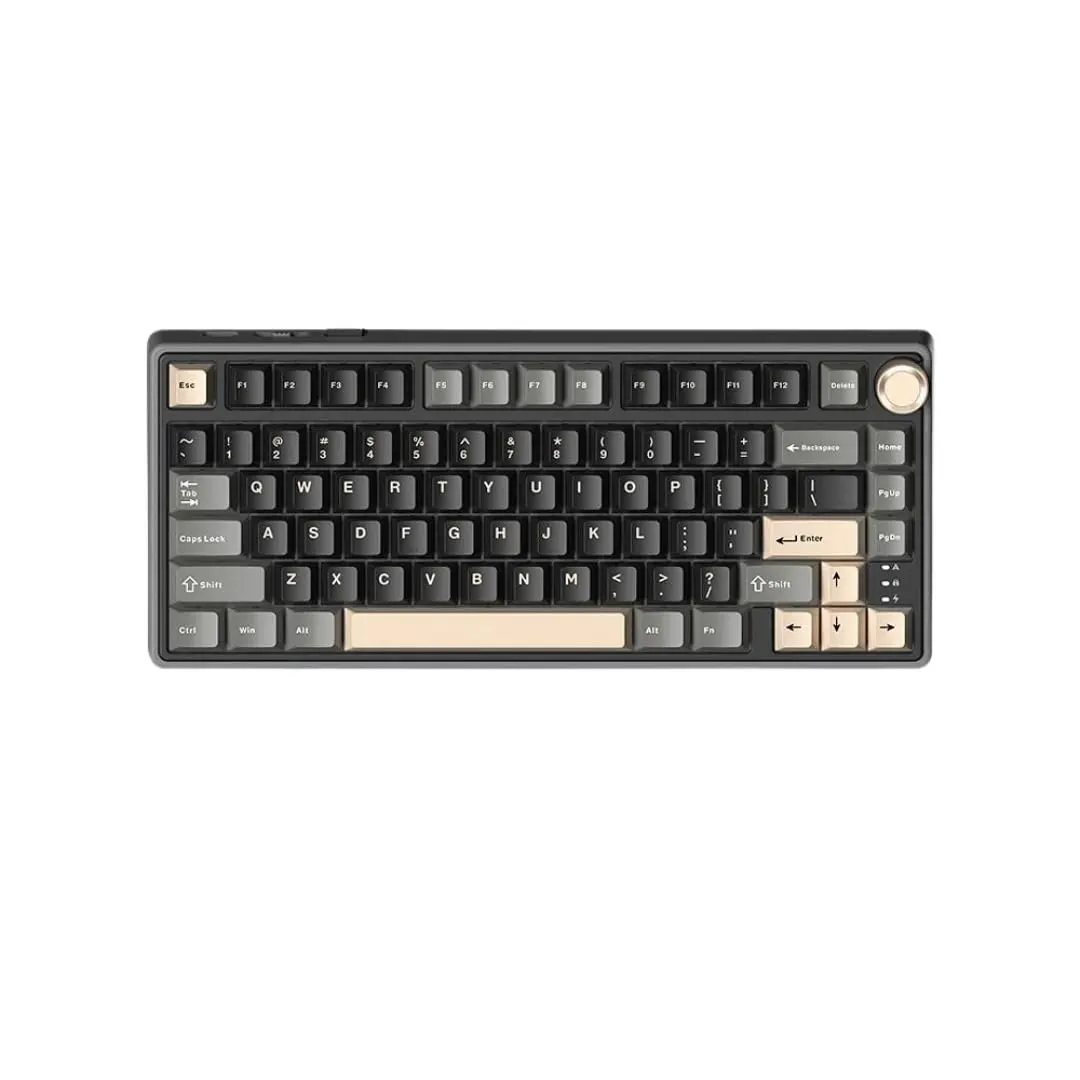
Royal Kludge revolutionized budget keyboards in India, and the RK R75 / M75 series represents their most refined custom enthusiast offerings to date.
+-------------------------------------------------------------------+
|  Specs:                                                           |
|  • Layout: 75% Compact with CNC Metal Knob                        |
|  • Mount: Gasket Mount with PCB Flex Cuts                         |
|  • Switches: RK Pre-lubed Cream Linear Switches                   |
|  • Connectivity: 2.4GHz Wireless, Bluetooth 5.1, USB-C            |
|  • Battery: Up to 3750mAh (M75 features up to 7500mAh)            |
+-------------------------------------------------------------------+
The RK R75 features a true gasket mounting structure paired with single-key flex cuts on the PCB. This design absorbs impact vibration, delivering a plush typing feel that minimizes finger fatigue during long gaming or writing sessions. Higher tier variants like the RK M75 even incorporate small smart LCD screens to display battery percentage, connectivity modes, and custom GIFs.
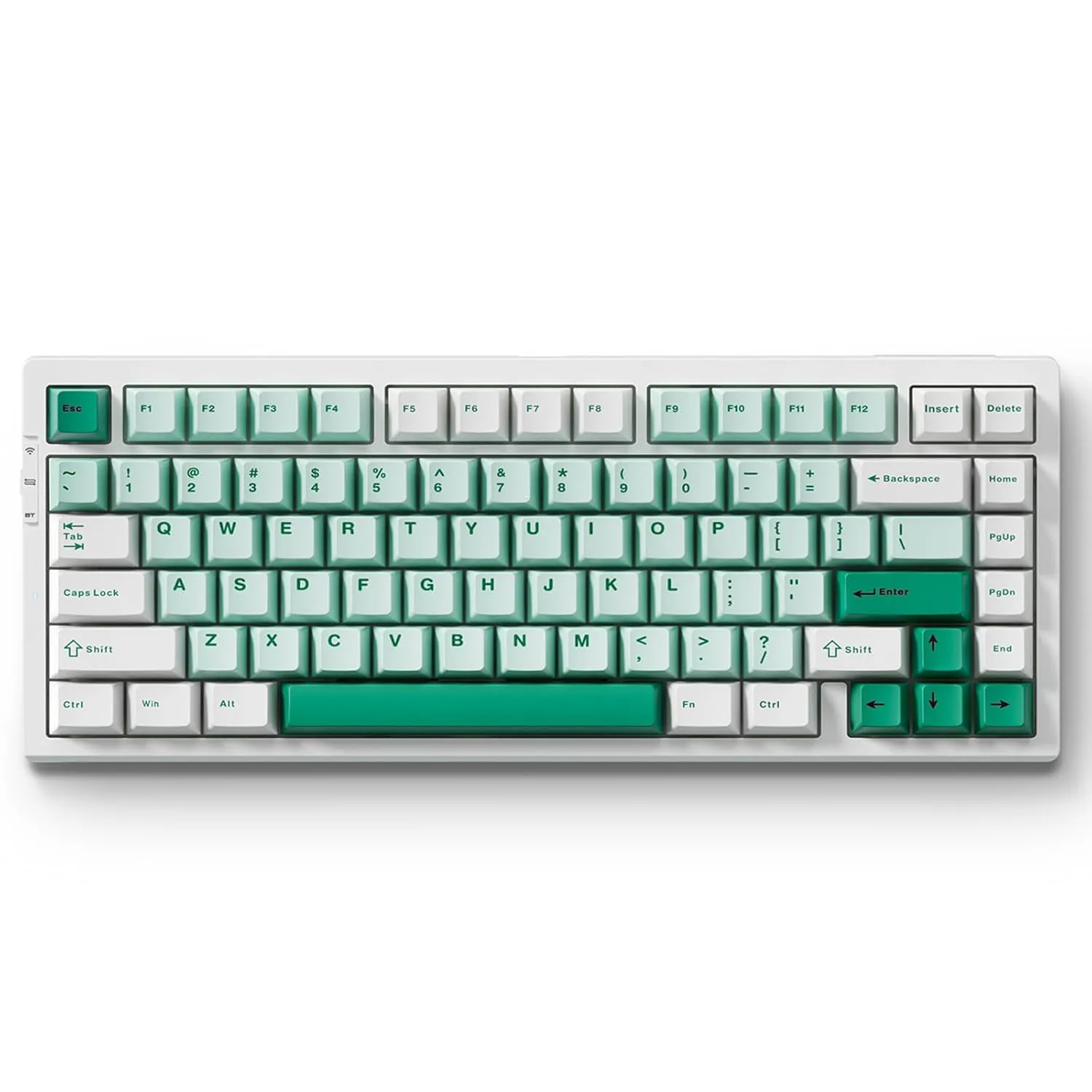
For build quality that punches above its price class, MCHOSE boards (frequently available on specialty gaming peripheral stores in India like GenesisPC and Meckeys) offer exceptional value.
+-------------------------------------------------------------------+
|  Specs:                                                           |
|  • Layout: 75% / TKL (Tenkeyless)                                 |
|  • Body Material: Reinforced Polycarbonate or Full Anodized Aluminum|
|  • Switches: Kaihua / Hi-Fi Custom Linear Switches                |
|  • Polling Rate: 1000Hz (Wired/2.4G)                              |
+-------------------------------------------------------------------+
If you prefer a heavier chassis that stays planted on your desk, the MCHOSE lineup features high-end structural choices. Models like the MCHOSE GX87 push near the ₹8,999 to ₹9,999 mark while offering CNC machined aluminum cases, anodized finishes, and low latency for competitive gaming.
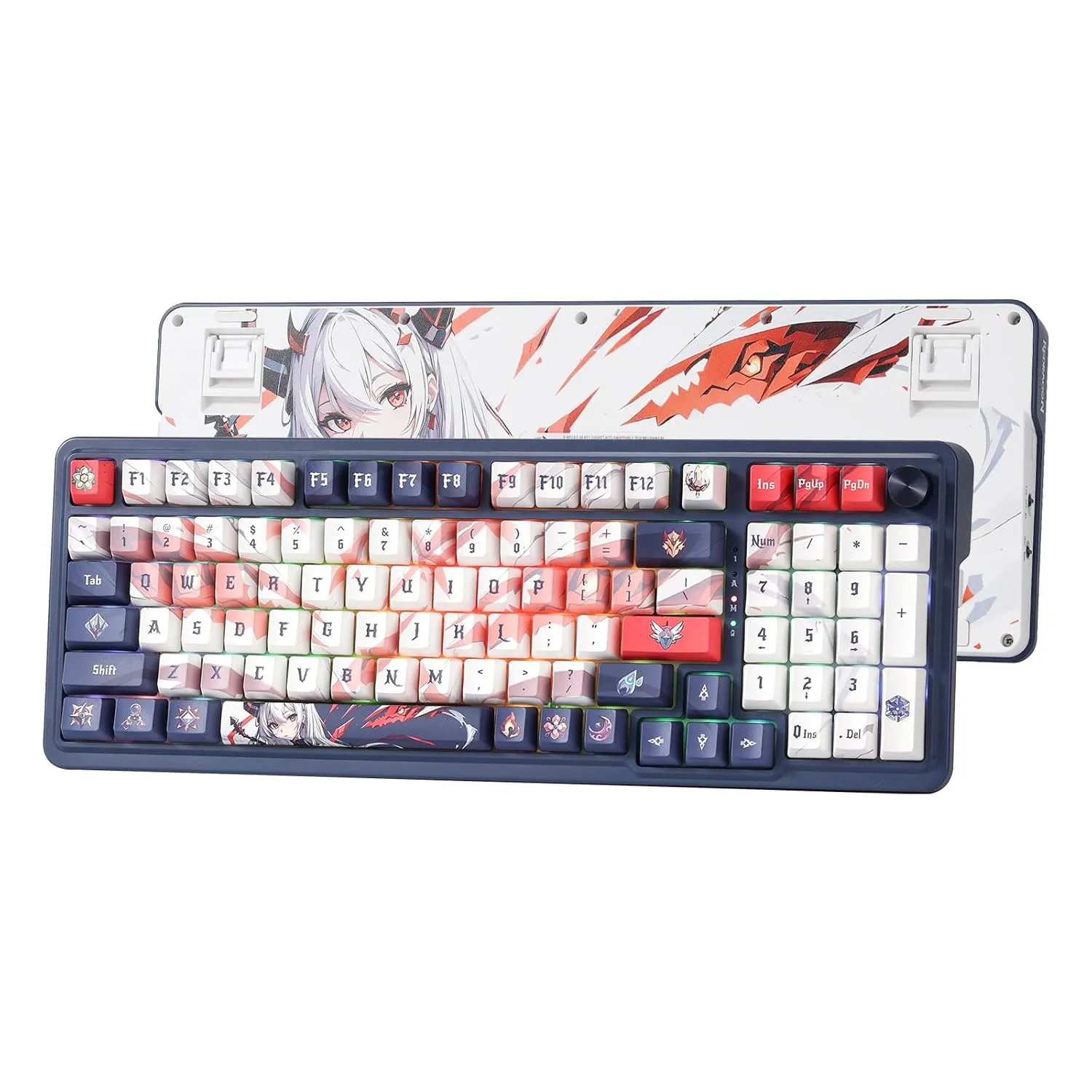
If you handle spreadsheets, accounting, or data entry alongside gaming, losing the number pad can be a dealbreaker. The Redragon K686 Pro SE delivers a compact 98% layout without sacrificing custom enthusiast features.
+-------------------------------------------------------------------+
|  Specs:                                                           |
|  • Layout: 98-Key Compact Full-Size                               |
|  • Mount: Gasket Mount                                            |
|  • Switches: Custom Hi-Fi Linear Switches (Hot-Swappable)         |
|  • Connectivity: Tri-mode (BT / 2.4GHz / USB-C)                  |
+-------------------------------------------------------------------+
Finding a true gasket-mounted, hot-swappable keyboard with a full number pad under ₹7,000 is rare. The K686 Pro SE includes custom dampening foams, a dedicated volume knob, and a full numeric keypad in a footprint only slightly larger than a standard TKL keyboard.
When shopping for custom keyboards in India, manufacturer marketing can be confusing. Here are the core specifications to focus on:
A hot-swappable PCB allows you to change mechanical switches simply by pulling them out with a tool—no soldering iron required.
GASKET MOUNT STRUCTURE:
[ Top Case ]
  --->  [ Silicone / Foam Gaskets ]  <---
        [ Polycarbonate / FR4 Plate ]
        [ Switch Pad & Poron Foam ]
        [ Hot-Swap PCB ]
  --->  [ Bottom Case Silicone Foam ] <---
[ Bottom Case ]
Even budget custom keyboards sound significantly better with a few simple modifications:
Besides broad platforms like Amazon India, specialized vendors like Meckeys, GenesisPC, Stickerguru, and Curiositycaps stock enthusiast keyboards, switch lube, and keycap sets with local warranty coverage.
Linear (Red/Yellow/Black): Smooth keystroke from top to bottom without tactile bumps. Ideal for fast gaming latency and quiet typing.
Tactile (Brown/Banana): Provides a noticeable tactile bump halfway through the keypress. Preferred by writers for tactile feedback without loud noise.
Clicky (Blue): Produces a sharp tactile bump along with an audible click sound. Great for tactile feedback, but can be noisy in office environments.
Yes! Most modern tri-mode keyboards (AULA, Keychron, RK) include dedicated system mode toggles and bluetooth multi-device pairing options.
⚠️ Informed Buyer Choice: Choicely.in earns a small commission when you purchase through our links to Amazon.in and Flipkart. This happens at absolutely zero additional cost to you. All prices are stated in Indian Rupees (₹) and are subject to marketplace changes.






[…] tension kick in around hour six, the wrong chair can ruin your focus. Choosing between a high-end ergonomic office chair and a feature-packed gaming chair is one of the most debated hardware decisions developers […]