Physical Address
304 North Cardinal St.
Dorchester Center, MA 02124
Physical Address
304 North Cardinal St.
Dorchester Center, MA 02124

⚠️ Choicely.in earns a small commission from qualifying purchases on Both (Amazon.in + Flipkart). You pay the same price — no extra cost. All prices are in ₹ and subject to change.
Whether you are a professional navigating a cramped 14-inch screen for Excel sheets or a student trying to juggle Zoom classes and research tabs, the “one-screen struggle” is real. In India’s evolving hybrid work culture, we’ve all felt the frustration of constantly alt-tabbing, losing focus, and straining our eyes. You want more screen space, but you don’t have the room for a bulky 27-inch desktop monitor that stays tethered to a desk.
The solution? Portable monitors. In 2026, these slim, tablet-like displays have become the ultimate productivity hack for Indian homes. They slip into your bag, power up with a single cable, and double your workspace instantly. But with the market flooded with options ranging from ₹8,000 to ₹30,000, how do you pick one that survives the Indian heat, dust, and occasional power dips without burning a hole in your pocket?
| Use-Case | Best Product | Why It Wins |
| Best Overall (Value) | MSI PRO MP161 E2 | Solid build, TUV-certified eye care, and very reliable. |
| Best for Students | ViewSonic VA1655 | Extremely light, great kickstand, and budget-friendly. |
| Best Premium/MacBook | ASUS ZenScreen MB16AH | Superior brightness and color for design work. |
| Best Budget King | Zebronics Pixigo A16 | Lowest entry price for basic second-screen needs. |
| Best for Gaming/Travel | Arzopa Z1FC (144Hz) | High refresh rate for smooth visuals on the go. |
| Product | Key Benefit | Why Indians Trust It | Price Range (₹) |
| MSI PRO MP161 E2 | Versatile Stand | 2-year onsite warranty support. | ₹11,000 – ₹13,000 |
| ViewSonic VA1655 | Lightweight | Global brand with deep service network. | ₹10,500 – ₹12,500 |
| Arzopa Z1FC | 144Hz Refresh Rate | High-end specs at a mid-range price. | ₹12,000 – ₹14,500 |
| Dell P1424H | Premium Build | “Gold Standard” for office durability. | ₹22,000 – ₹25,000 |
| Zebronics Pixigo | Entry Level | Local brand, easy Amazon/Flipkart access. | ₹7,500 – ₹9,000 |
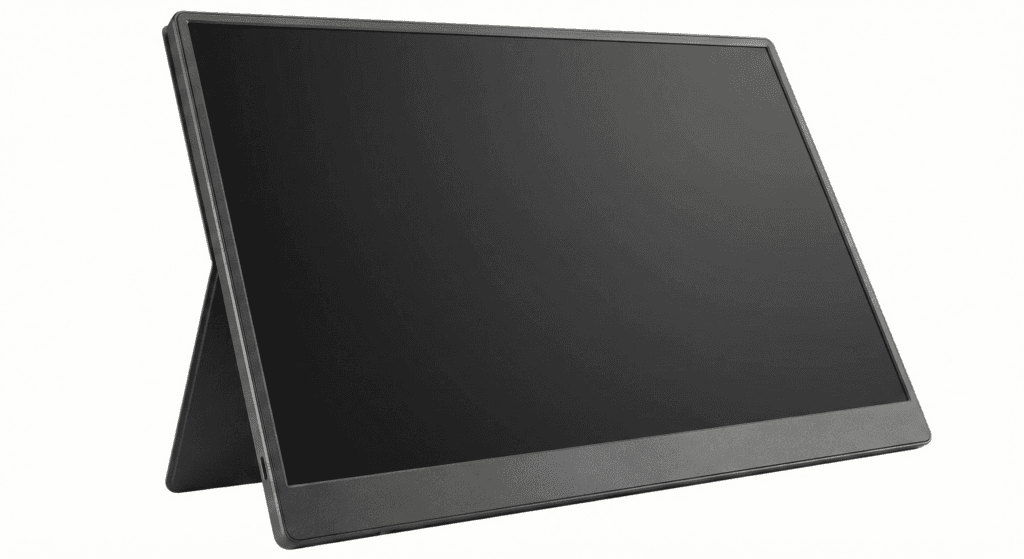
The perfect “office-at-home” companion for the busy professional.
The MSI Pro series has always been about “no-nonsense” productivity. This 15.6-inch Full HD monitor stands out because of its foldable kickstand that works in both landscape and portrait modes—ideal if you’re a coder or writer.
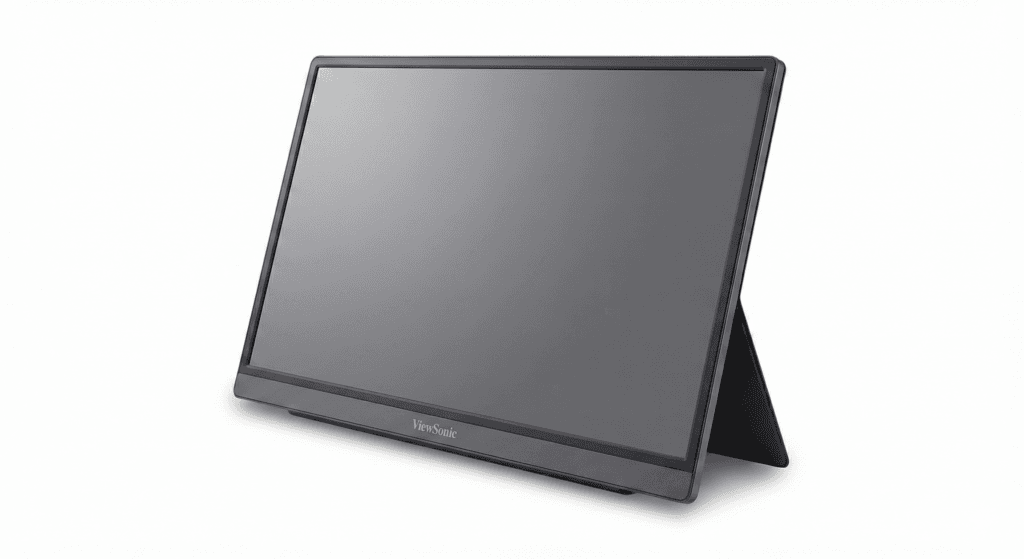
Light enough to carry to the library, tough enough for the hostel.
ViewSonic is a veteran in display tech. The VA1655 is remarkably thin and weighs less than a kilogram. It’s designed for those who move around a lot—from the dining table to the bedroom or a café.
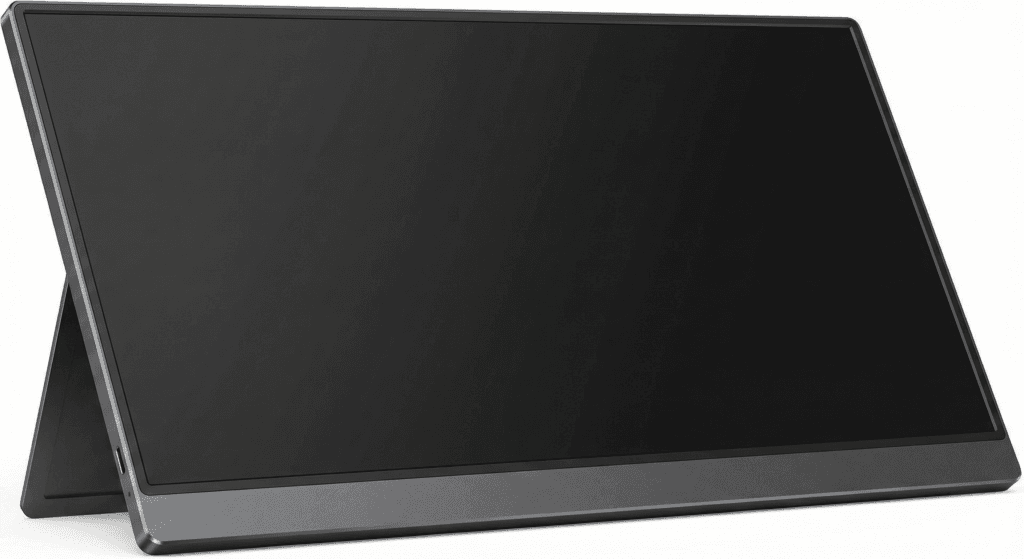
Smooth 144Hz visuals for those who mix work with a bit of gaming.
Arzopa has taken the Indian market by storm by offering high-end features at aggressive prices. The Z1FC offers a 144Hz refresh rate, which makes scrolling through long documents or playing games incredibly smooth.
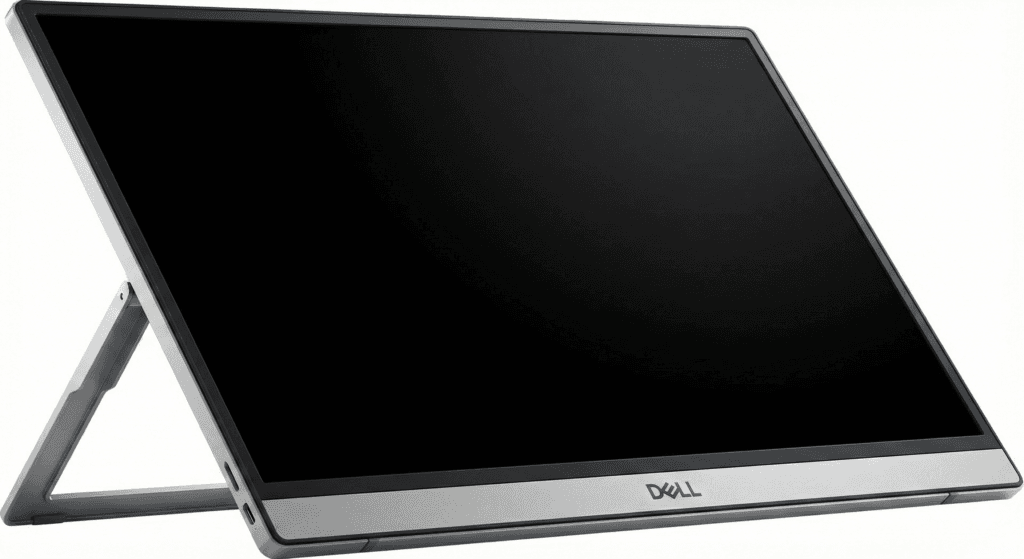
When you want a monitor that lasts for 5+ years without a flicker.
If your budget allows, Dell is the gold standard. This 14-inch monitor is compact but built like a tank. It’s the safest bet for those who prioritize long-term reliability and premium after-sales support.
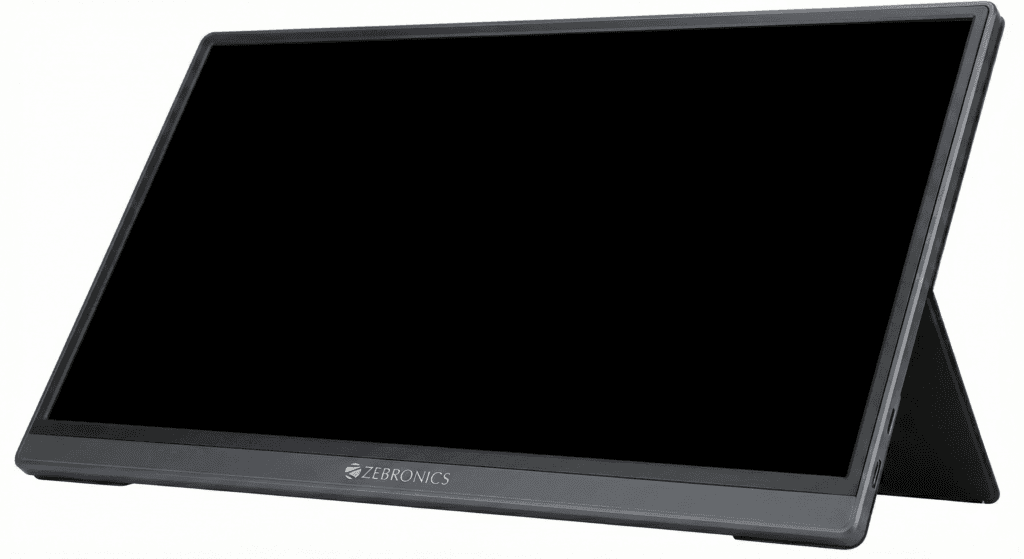
Double your screen space for the price of a mid-range smartphone.
For many Indian families, spending ₹20k on a second screen is a luxury. Zebronics fills this gap perfectly. It provides a decent 1080p IPS panel that gets the job done for basic document editing and YouTube.
Yes, if your phone has a Type-C port that supports video output (like the Samsung S-series or iPhone 15/16). It’s great for watching movies on a bigger screen while traveling in trains.
Most do not; they draw power from your laptop. Models with batteries exist but are heavier and much more expensive.
Absolutely. At this size, 1080p (Full HD) looks very sharp. 4K is often overkill and will drain your battery much faster.
Never use tap water (hard water leaves stains). Use a dry microfiber cloth or a specialized electronic screen cleaner spray applied to the cloth first.
Yes! MacBooks are excellent with portable monitors via USB-C. Just ensure you get a “Plug-and-Play” model like the MSI or ASUS.
Trust Box: How we evaluate products for Indian families
At Choicely.in, we don’t just look at spec sheets. We evaluate based on real-world Indian usage: how a kickstand holds up on a wobbly plastic table, how the screen performs under a ceiling fan’s flickering light, and whether the service center actually picks up the phone in cities like Pune, Kochi, or Delhi.


Leave a Reply