Buying a college laptop in India is rarely just about raw benchmarks. It is about surviving crowded local trains, hostel desks with limited plug points, unpredictable voltage, and heavy coursework spanning 3 to 4 years. Best Laptops for Students
A student laptop needs to balance three pillars: reliable battery endurance, future-proof memory (16GB minimum), and frictionless on-site service support.
Table of Contents
Quick Winners: Best Laptop for Students at a Glance
Never buy an 8GB laptop with non-upgradable (soldered) memory. Windows 11, background antivirus software, and 15 open Chrome tabs consume 6–7GB of RAM idle. Aim for 16GB RAM out of the box, or ensure the laptop has an accessible SO-DIMM slot for a future ₹2,000 upgrade.
2. Prioritize USB Type-C 65W Charging
Avoid laptops that rely strictly on proprietary, heavy barrel-pin chargers. Laptops equipped with Type-C Power Delivery (PD) can share chargers with modern Android phones, power banks, and compact third-party GaN adapters—reducing bag weight and saving you when library outlets are full.
3. Inspect the Display Type
Many laptops under ₹40,000 cut costs by using 220-nit TN (Twisted Nematic) panels with narrow viewing angles that cause severe eye fatigue during marathon study sessions. Insist on:
IPS display technology
Anti-glare (matte) coating
Minimum 250–300 nits brightness
4. Lifetime MS Office License
Check the product listing for MS Office Home & Student 2021/2024 included. If absent, a standalone license or annual Microsoft 365 subscription costs between ₹4,000 and ₹7,000—erasing any upfront discount on the hardware.
Detailed Product Breakdowns
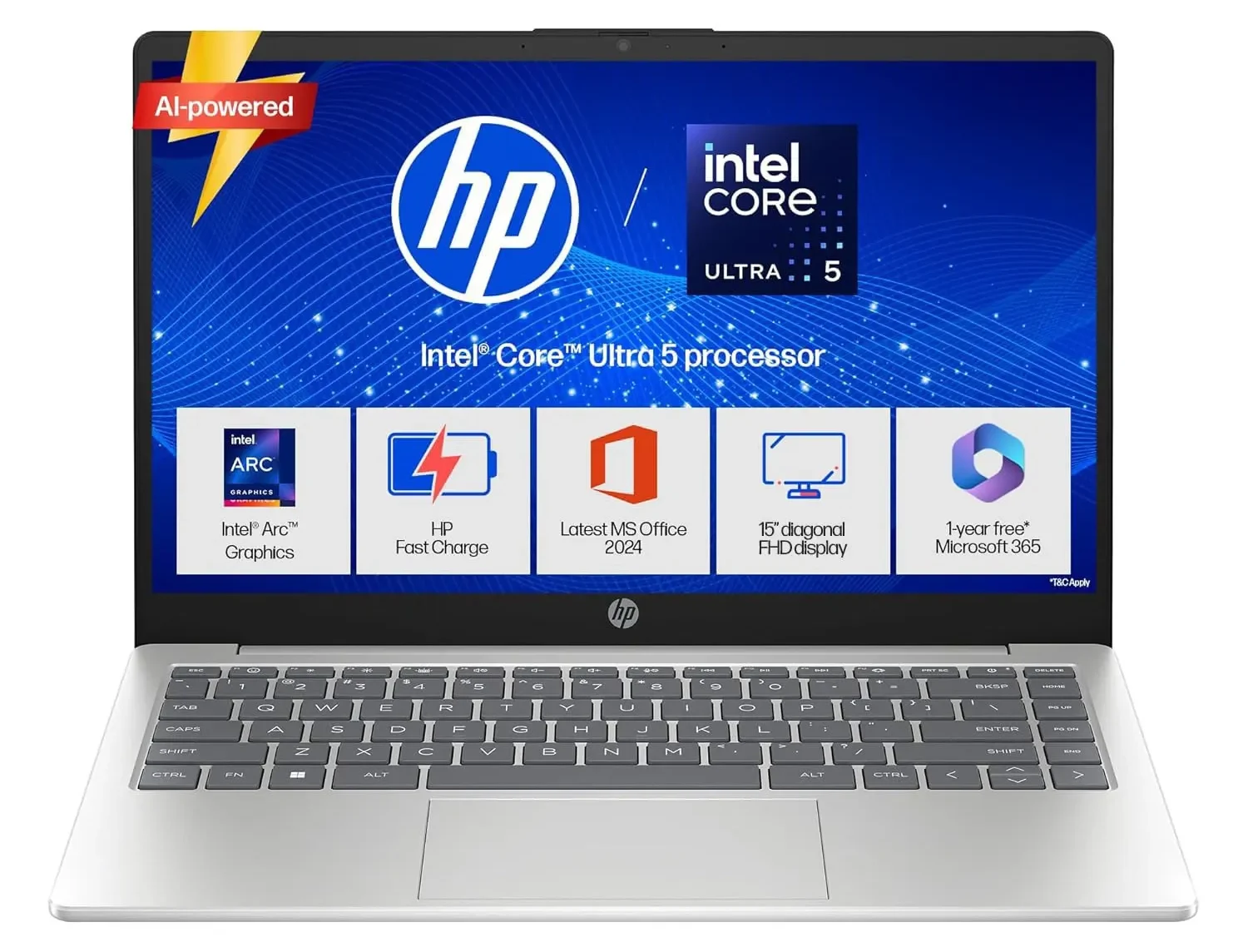
1. ASUS Vivobook 15 — The Best All-Rounder for Most Students
Target Audience: Commerce, Humanities, BBA, and general undergraduate coursework.
Avoids sluggish Celeron, Pentium, or eMMC storage chips found in sub-₹25,000 laptops.
Easily upgradable RAM slot.
Slim chassis with decent port selection (including full-size HDMI).
The Compromise:
Basic battery backup (3.5 to 4.5 hours of real-world use).
Mediocre 720p webcam.
Verdict: The lowest price point where you still receive a fully capable Windows experience without crippling slowdowns.
Common Traps to Avoid
Buying White-Label / Unknown Brands: Boutique or rebadged brands often advertise impressive spec sheets at steep discounts. However, hinge plastics crack within months, replacement batteries are impossible to source, and service centers are non-existent outside state capitals. Stick to Tier-1 manufacturers (Lenovo, ASUS, HP, Acer, Dell).
Buying Previous-Gen Clearance Models Without Checking CPU Suffixes: An older “H-series” chip will run hot and drain your battery in 2.5 hours. For general student work, pick “U-series” chips (maximum efficiency) or balanced “HS-series” processors.
Skipping Marketplace Seller Verification: When ordering via Amazon India or Flipkart, always verify that the seller is an authorized tier (e.g., Appario Retail, Clicktech Retail, or brand-managed stores) to prevent receiving open-box or gray-market units lacking valid Indian warranties.
Choicely Editorial Team
Choicely is an independent product research and comparison platform focused on helping users make informed buying decisions. Our content is based on detailed research, hands-on testing where possible, and analysis of verified user feedback.
We create unbiased reviews, comparisons, and buying guides across technology, home appliances, personal care, finance tools, and online learning. Our goal is to provide accurate, up-to-date, and transparent recommendations that genuinely help users.
Hey I know this is off topic but I was wondering if you knew of any widgets I could add to my blog
that automatically tweet my newest twitter updates.
I’ve been looking for a plug-in like this for quite some time
and was hoping maybe you would have some experience with something like this.
Please let me know if you run into anything.
I truly enjoy reading your blog and I look forward to
your new updates.













Hey I know this is off topic but I was wondering if you knew of any widgets I could add to my blog
that automatically tweet my newest twitter updates.
I’ve been looking for a plug-in like this for quite some time
and was hoping maybe you would have some experience with something like this.
Please let me know if you run into anything.
I truly enjoy reading your blog and I look forward to
your new updates.